Insights

Practical access insights

Short articles, explainers and practice notes about accessibility, assistive technology and the gap between recommendations and real-world use.

These pieces are written for people, families and professionals who need practical answers — not jargon, theory or generic accessibility advice.

Complex access

When screen readers, voice access and switch access need to work together

Some people need more than one access method. The important part is making those tools work together in a way the person can practise, remember and use again.

Practice note

Support teams

Why access support has to include the people around the technology

A setup is more likely to last when family, carers, employers or staff understand what it does, how to support it and what to do when something stops working.

Practice note

Anonymised case notes

Real-world access problems need practical answers

Anonymised examples of how access barriers were worked through in practice.

Assistive technology · Case note

Rebuilding digital independence

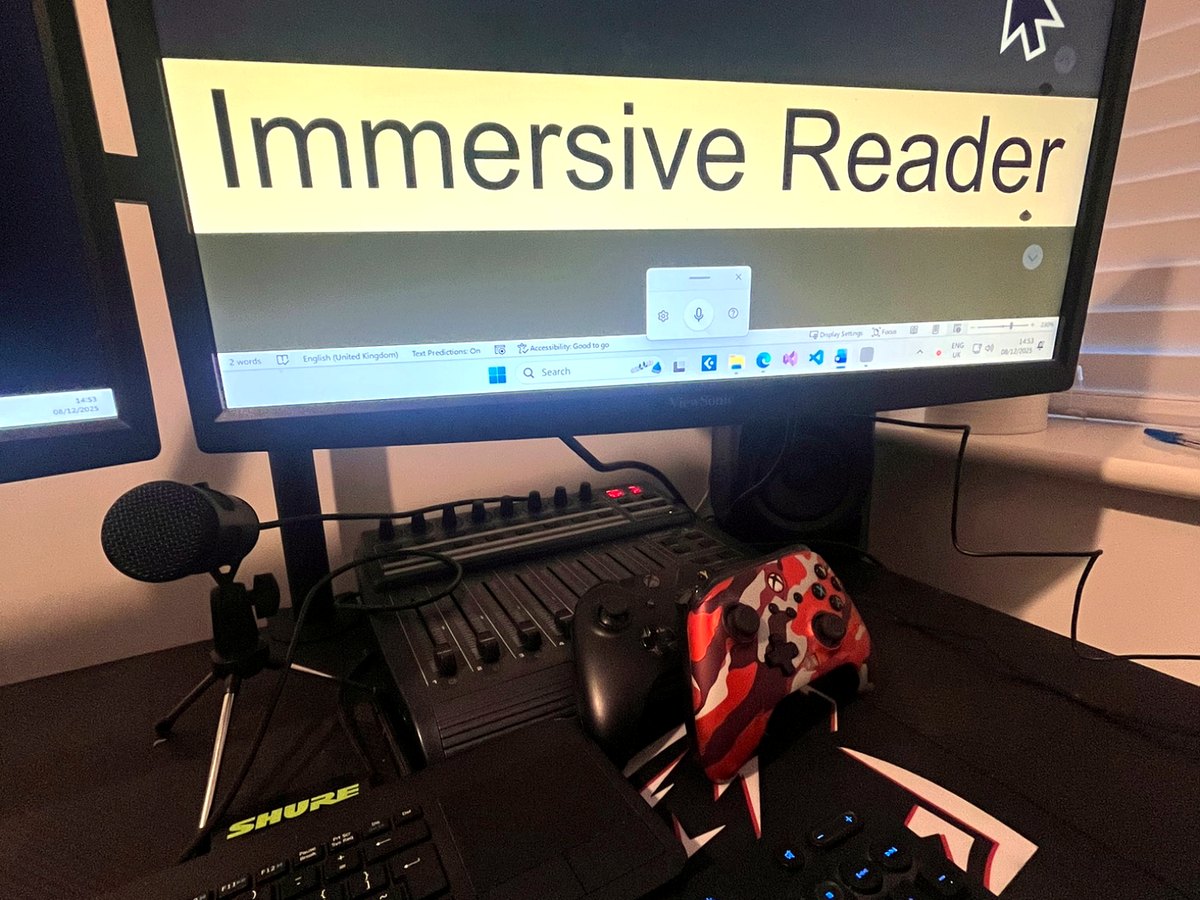
A layered access route was developed for a person who needed non-visual computer access alongside alternative physical input methods. The work focused on building a practical route using screen reader access, speech input, adaptive hardware, switch-based control and clear task routines — making the technology work together in a way the client could understand, practise and repeat.

Outcome: The client had a more structured route for email, documents, navigation and error recovery, with clearer notes for future support and review.

Screen readerVoice accessSwitch accessAdaptive hardwareDigital independence
Workplace access · Case note

Return-to-work access pathway

A client preparing for work needed a structured access route that could support real workplace tasks. The work looked at the tasks the person needed to complete, the technology already available, the barriers affecting independence and the support that would be needed around the person.

Outcome: The client and professional team had a clearer workplace access pathway, including practical setup information and recommendations that could support future planning.

Workplace accessCase managementAssistive technologyReportsHandover
Education · Case note

Rebuilding a classroom activity

A classroom activity was visually presented in a way that created barriers for a blind learner. A rapid accessible prototype helped the learner take part without waiting for a long software rebuild. The work focused on the educational task rather than simply recreating the visual design.

Outcome: The learner had a more usable way to take part in the activity, and the education team had a clearer example of how future tasks could be adapted.

EducationVisual impairmentAccessible learningClassroom accessModified resources
Complex access · Case note

Making a computer usable without relying on one access method

A client needed a more reliable way to use a computer where sight, physical input and confidence with technology all affected access. The work combined non-visual navigation, speech input, simplified commands, adaptive input and clear recovery routines for when something went wrong.

Outcome: The client and support network had a clearer route for using key digital tasks, with practical notes that made the setup easier to practise and maintain.

Complex accessVoice accessAlternative inputNon-visual accessSupport routines

Private visual impairment and assistive technology support

Start with one access issue.

Tell me what is difficult, what has already been tried, and what you would like to be easier. You do not need to know the technical name or the right solution.

Start an enquiry Make a case manager referral

Usually replies within two working days.