
Voice control, magnification and adaptive hardware: building confidence through technology
Confidence with technology is built gradually. For many people, access works best when several tools are combined into one practical route.
Assistive technology is rarely about one perfect tool.
For many people, the most effective setup is layered. That means different tools are combined to reduce different barriers.
A person may use magnification for some tasks, speech input for others, keyboard shortcuts for navigation, switch access for control, audio feedback for confirmation and AI-supported tools for visual interpretation or document support.
The aim is not to make the setup complicated. The aim is to make access more reliable.
Why one tool may not be enough
A person’s access needs may change depending on the task, the time of day, the environment or their level of fatigue.
For example, someone may be able to use a keyboard for short periods but need voice control for longer writing tasks. Another person may use magnification when reading familiar content but need screen reader support for dense documents. Someone else may need adaptive hardware because standard mouse control is unreliable.
A single recommendation can miss these changes. A layered approach gives the person more than one route.
Voice control
Voice control can support people who find typing, mouse use or touch input difficult. It can help with dictation, navigation, commands and reducing physical effort.
However, voice control needs realistic testing. It may be affected by background noise, speech clarity, fatigue, privacy, confidence or the complexity of the software being controlled.
- which tasks are suitable for voice
- which tasks still need another input method
- how commands are remembered
- how errors are corrected
- whether the environment supports speech input
- how the person feels about using voice in front of others
Voice control can be powerful, but it should not be the only route unless it is reliable for the person.
Magnification
Magnification can support people with low vision, but it can also create challenges.
When the screen is enlarged, less information is visible at once. The person may need to scroll more, track the pointer carefully, manage focus and avoid becoming lost in the layout.
- choosing the right zoom level
- setting colour and contrast preferences
- reducing visual clutter
- increasing cursor and pointer visibility
- using keyboard shortcuts
- testing real documents and websites
- combining magnification with speech output
The goal is not just to make things bigger. The goal is to make the task easier to complete.
Adaptive hardware
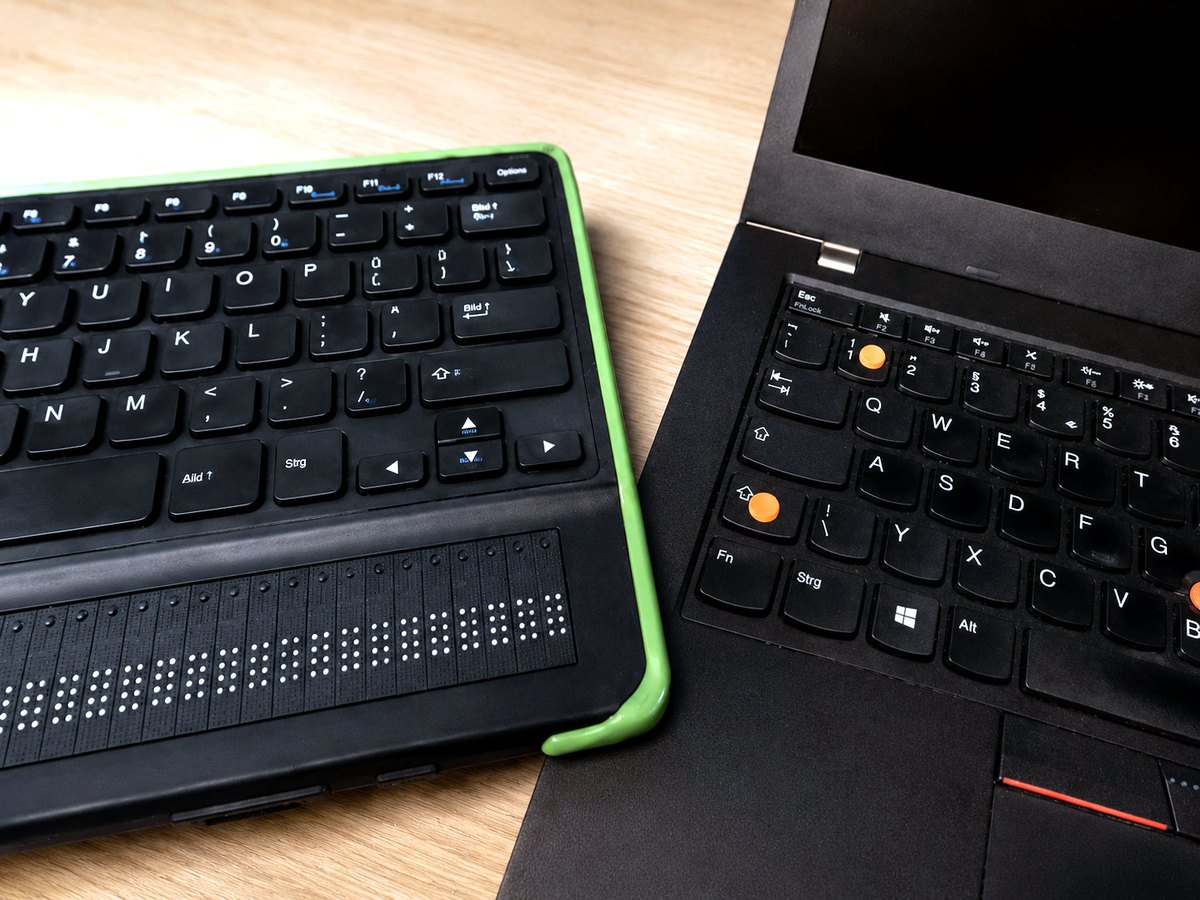
Adaptive hardware can include specialist keyboards, switches, mounts, alternative mice, joystick input, touch adaptations, tablets, controllers or custom access methods.
The right hardware can reduce physical effort and improve control. But it must be matched to the person, the task and the environment.
- can the person reach and activate the control comfortably?
- does the setup work when they are tired?
- can it be positioned consistently?
- does it work with the software they need?
- can someone else set it up again if it moves?
- is there a backup method if it fails?
Hardware is only useful if it can be used and maintained.
Confidence grows through successful repetition
Confidence does not come from being told that a tool should work. It comes from using it successfully.
That means practising real tasks, not just training exercises. Examples might include sending an email, joining a video call, reading a document, finding a file, completing a form, opening learning materials or using a workplace system.
Each successful route builds trust.
The best setup is the one the person can keep using
Assistive technology should not be judged only by how advanced it is. It should be judged by whether the person can use it when it matters.
- understandable
- repeatable
- comfortable
- maintainable
- supported by clear notes
- flexible enough for real life
That is where confidence begins.
Practical next step: you can contact AGL Access Works with one task, one barrier or one frustration. A short message is enough to start.
Related service: assistive technology setup and screen reader configuration built around the person's own tasks.