Services

Practical support for real access barriers

Choose the route that best matches the problem. Each service is designed to move from uncertainty to a clear, usable next step — and you do not need to know which one you need before getting in touch.

Support can be focused on visual impairment, or it can involve wider access needs such as voice control, switch access, adaptive input, documents, workplace systems and support-team handover.

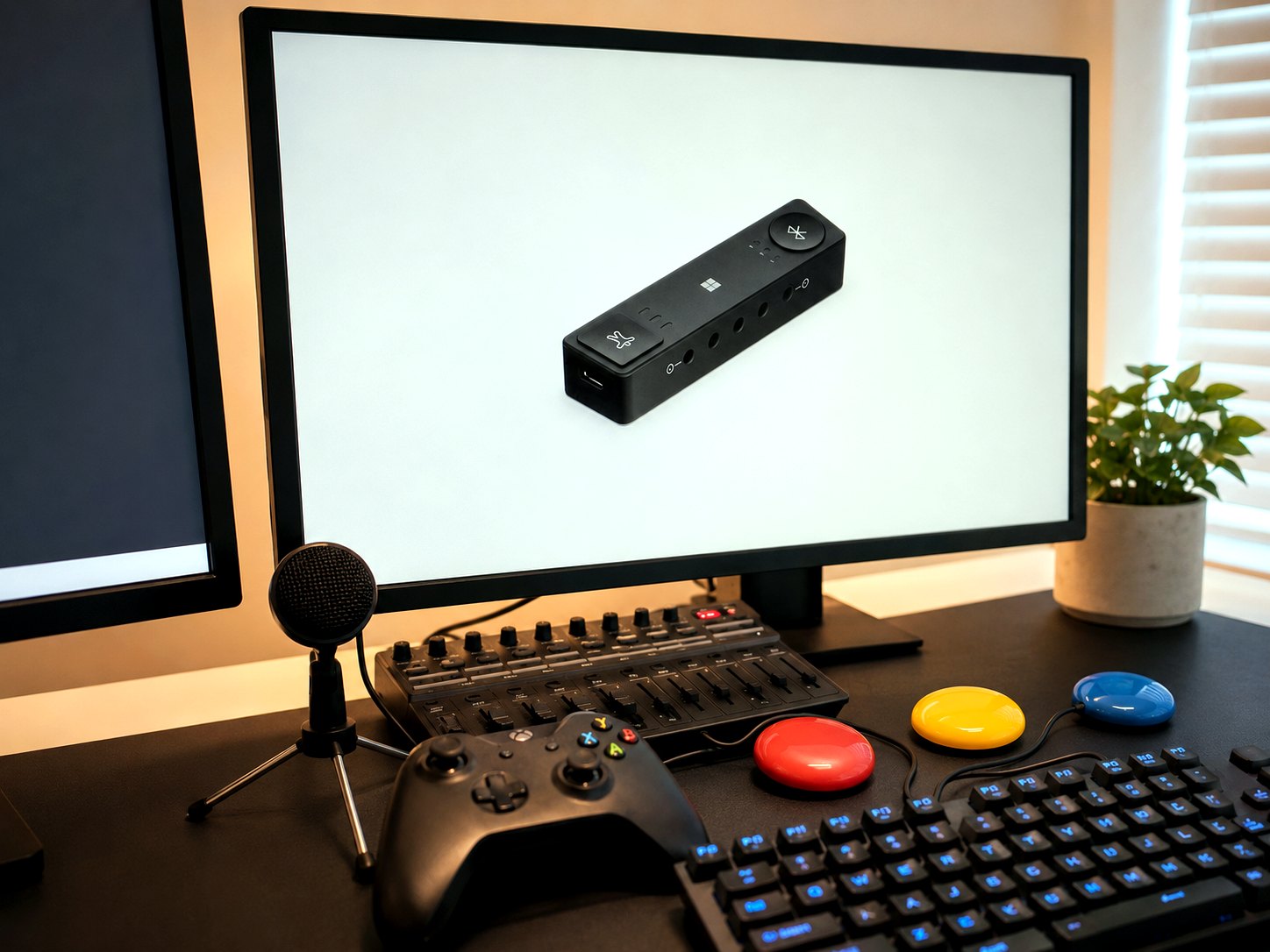
A desk with assistive technology being set up and tested

Assistive Technology Setup

Setup, configuration and practical support for devices, software and access tools.

A recommendation is only the beginning. This service makes sure the technology is installed, configured around the person and genuinely usable for the tasks that matter — at home, at work, in education or as part of a wider care or rehabilitation plan.

Sessions are practical and unhurried. We work with the person's real devices, real documents and real routines, so the setup holds up after I leave.

This can include visual impairment tools such as screen readers and magnification, but also voice access, switch access, adapted input, simplified workflows and mainstream technology configured in a more accessible way.

What this often includes

  • Screen reader, magnification and non-visual computer access setup
  • Voice access, dictation and command routines
  • Switch access, adapted keyboards, mice and alternative input
  • Device and software configuration around the person
  • Practising real tasks until they feel reliable
  • Plain-language setup notes for the person and their supporters

Access Assessments

Clear assessment of barriers, current setup, user needs and practical recommendations.

An assessment looks at the person, the tasks they need to do, the tools already in place and the environment around them. The output is not a long technical document for its own sake — it is a clear picture of what is getting in the way and what to do next.

Where useful, options are tested during the assessment itself so recommendations are grounded in what actually worked.

The assessment can focus on visual impairment, or on a wider access picture where vision, mobility, speech, fatigue, physical input, documents, software and support routines overlap.

What this often includes

  • A structured conversation about tasks and barriers
  • Review of current devices, documents, software and environment
  • Practical testing of candidate solutions
  • Consideration of the support network around the person
  • Prioritised, realistic recommendations
  • A written summary that others can understand and act on

Complex Access and Adaptive Input

Support where access depends on more than one tool, adjustment or person.

Some situations are not solved by installing one piece of software. A person may need screen reader access alongside voice control, switch access alongside simplified routines, or adaptive hardware alongside support from family, care staff, employers or IT teams.

This service looks at how the whole access route works together: the person, the task, the input method, the device, the documents, the environment and the people who need to support the setup after the session.

What this often includes

  • Voice access and command planning
  • Switch access and alternative input options
  • Keyboard-only and non-visual workflows
  • Combining mainstream and specialist technology
  • Training for family, care staff, employers or support teams
  • Simple recovery routines for when something goes wrong

Workplace Access Support

Support for employers, employees, reasonable adjustments, digital access and staff training.

Workplace access works best when it is practical and proportionate. I help employers and employees find adjustments that fit the actual job — the systems, documents, meetings, communication and routines the role really involves.

I work alongside IT teams, HR, managers and occupational health, providing the technical and practical detail that makes adjustments stick.

Support can include screen readers, magnification, accessible documents, Microsoft 365 workflows, voice input, adaptive input, staff guidance and handover to internal teams.

What this often includes

  • Workplace access reviews built around real job tasks
  • Assistive technology setup alongside IT teams
  • Practical reasonable adjustment guidance
  • Accessible document, form and digital system checks
  • Staff awareness sessions and manager guidance
  • Clear technical handover so support continues in-house

Education Access Support

Guidance for schools and colleges around visual impairment, modified resources and accessible technology.

Learning access is about more than equipment. I help education staff understand what a learner needs, how resources should be modified and how technology fits into real lessons — without creating extra workload that cannot be sustained.

Support can focus on one learner, one subject, one access issue or whole-setting practice.

This may include visual impairment technology, modified large print, accessible documents, screen reader workflows, classroom device setup, staff routines and transition planning.

What this often includes

  • Review of learning tasks, resources and formats
  • Modified and accessible resource guidance
  • Classroom assistive technology setup
  • Practical guidance for teaching and support staff
  • Liaison with sensory support services and families
  • Realistic routines the setting can keep running

Implementation Support

Follow-up support to make sure recommendations work in real life, not just on paper.

This is the service that closes the gap. Equipment gets set up properly, training is built around the person's actual routine, and problems are fixed before they become reasons to give up.

Implementation can follow one of my own assessments or pick up recommendations made by another professional.

The aim is to turn the recommendation into something the person and the people around them can actually use, repeat and maintain.

What this often includes

  • Setup and configuration of recommended equipment
  • Training built around real tasks and routines
  • Troubleshooting when something is not working
  • Adapting the approach when real life disagrees with the plan
  • Handover to family, staff, employers or local supporters
  • Review sessions to keep the route working

Reports and Professional Input

Clear written recommendations for case managers, education teams, employers and professional settings.

Reports are written to be used, not filed. They explain the barrier, what was tested, what is recommended and what implementation will actually involve — in language the whole team can act on.

Reports can support planning, funding discussions, professional referrals, workplace conversations, education access and review meetings.

Unless separately agreed, reports are practical assessment reports rather than medico-legal expert witness reports. See service boundaries for details.

What this often includes

  • Assessment-based written reports
  • Plain-English recommendations and rationale
  • Implementation notes, equipment details and practical costs
  • Input into multidisciplinary planning
  • Follow-up clarification after the report is delivered
  • Clear next steps for families, teams and professionals

The process

How support usually works

  1. Tell me what is difficult

    Start with one task, barrier or situation.

  2. I identify the barriers

    I look at the person, task, tools, setting and support around them.

  3. We test practical solutions

    Options are tried against real devices, documents and routines.

  4. You receive clear recommendations

    Next steps are written so others can understand and act on them.

  5. Support can continue if needed

    Training, follow-up and handover can keep the access route working.

Frequently asked questions

Understanding the support

What is an access assessment?

An access assessment looks at the person, the tasks they need to do, the tools already in place and the barriers getting in the way. The aim is to produce clear, practical recommendations that can be acted on.

What is implementation support?

Implementation support is the practical work after a recommendation has been made. It may include setting up equipment, configuring software, training the person, writing notes and handing over to family, staff or IT teams.

Can you help with voice access or switch access?

Yes. Support can include voice access, dictation, command routines, switch access, adapted input and workflows for people who cannot rely on standard mouse, keyboard or touchscreen use.

Can you work with existing reports?

Yes. I can review existing recommendations and help turn them into a practical route that works for the person, setting and support network.

Private visual impairment and assistive technology support

Start with one access issue.

Tell me what is difficult, what has already been tried, and what you would like to be easier. You do not need to know the technical name or the right solution.

Start an enquiry Make a case manager referral

Usually replies within two working days.