Non-visual computer access
Screen readers, keyboard access, magnification, voice access and clear task routines for people who need a reliable way to use computers without relying on sight.
Independent visual impairment, assistive technology and practical access support
I'm Alex Liddell. I help blind and partially sighted people, disabled adults, families and professional teams turn difficult access barriers into practical, working routines.
Support can include screen readers, magnification, voice access, switch access, adaptive hardware, accessible documents, workplace systems and training for the people around the setup.
No technical terms needed. Start with the task, the barrier or the situation.
Start with your situation
You do not need to choose a service first. Pick the route that sounds closest to what is happening, even if the problem feels messy or hard to explain.
 At home and day to day
I want more independent accessSupport for disabled people, families and carers when reading, writing, communication, computer use, phone use or everyday technology has become difficult.
At home and day to day
I want more independent accessSupport for disabled people, families and carers when reading, writing, communication, computer use, phone use or everyday technology has become difficult.
 At work
Work systems are getting in the wayPractical support for employees, employers, HR and IT teams around assistive technology, reasonable adjustments, documents, software and real job tasks.
At work
Work systems are getting in the wayPractical support for employees, employers, HR and IT teams around assistive technology, reasonable adjustments, documents, software and real job tasks.
 Professional referral
I need a clear assessment and planUseful reports, implementation support and practical recommendations for case managers, solicitors, deputies, occupational therapists and professional teams.
Professional referral
I need a clear assessment and planUseful reports, implementation support and practical recommendations for case managers, solicitors, deputies, occupational therapists and professional teams.
 Education
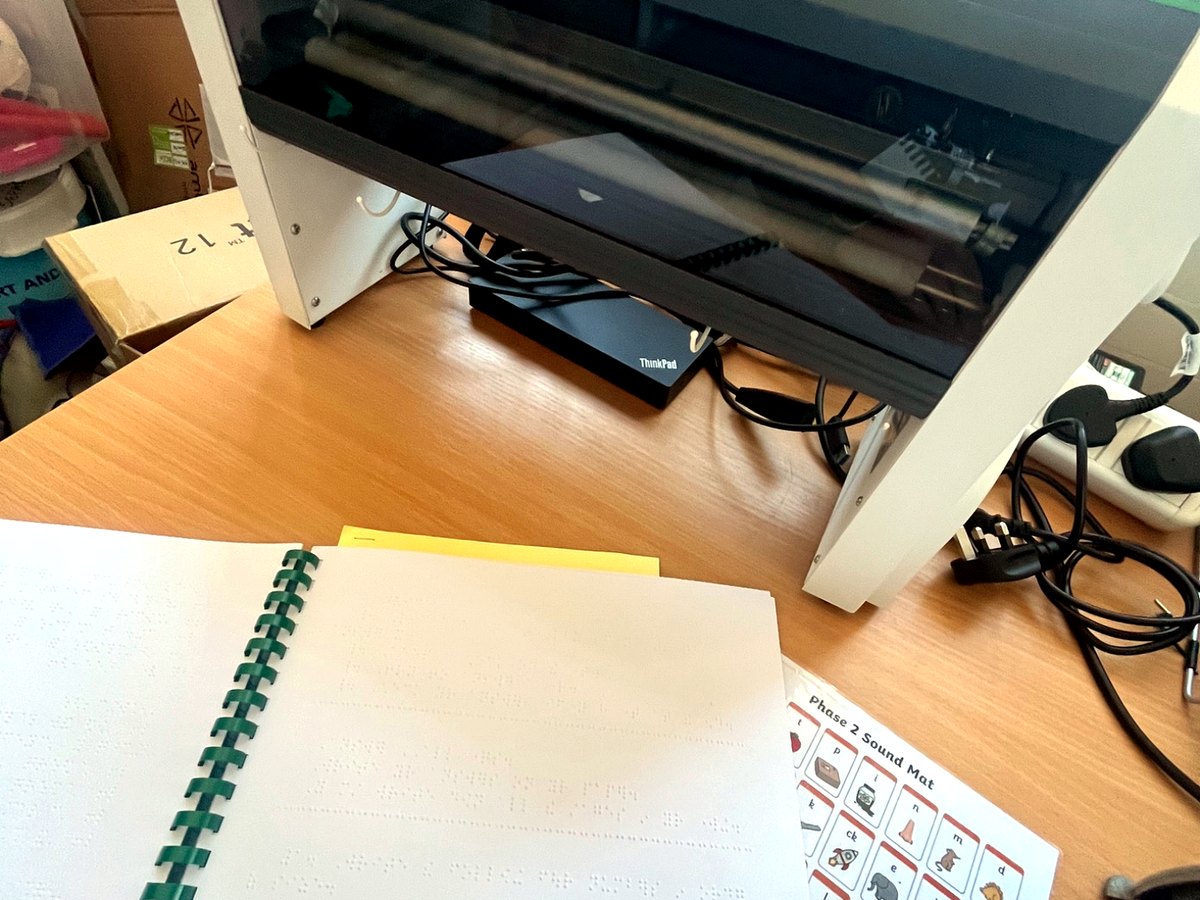
A learner needs better accessTechnology, accessible resources, modified materials and staff guidance for blind and partially sighted learners in real lessons.
Education
A learner needs better accessTechnology, accessible resources, modified materials and staff guidance for blind and partially sighted learners in real lessons.
A practical route through the problem
The work starts with the task the person needs to do, then looks at the barriers, the technology, the environment and the people around them.
I stay with the detail that often gets missed: the person's own device, the exact task, the document or system they need to use, the setting around them and what needs to happen after the assessment.
That might mean setting up a screen reader properly, combining voice access with physical input, making documents usable, helping an employer understand what needs changing, or giving a care team enough confidence to keep the setup working.
See all support optionsStart with the thing the person needs to do, not the product they have been given.
Try practical options on real kit, with real tasks, not just on paper.
Set up, train, document and hand over a route that can keep working.
Complex access
A person may need screen reader access alongside voice control. They may need switch access, adapted input, magnification, accessible documents, custom routines, workplace changes or support from family, carers, employers and IT teams.
AGL Access Works looks at how those pieces fit together in real life. The focus is not just choosing technology, but making sure it can be used, practised, supported and maintained after the assessment.
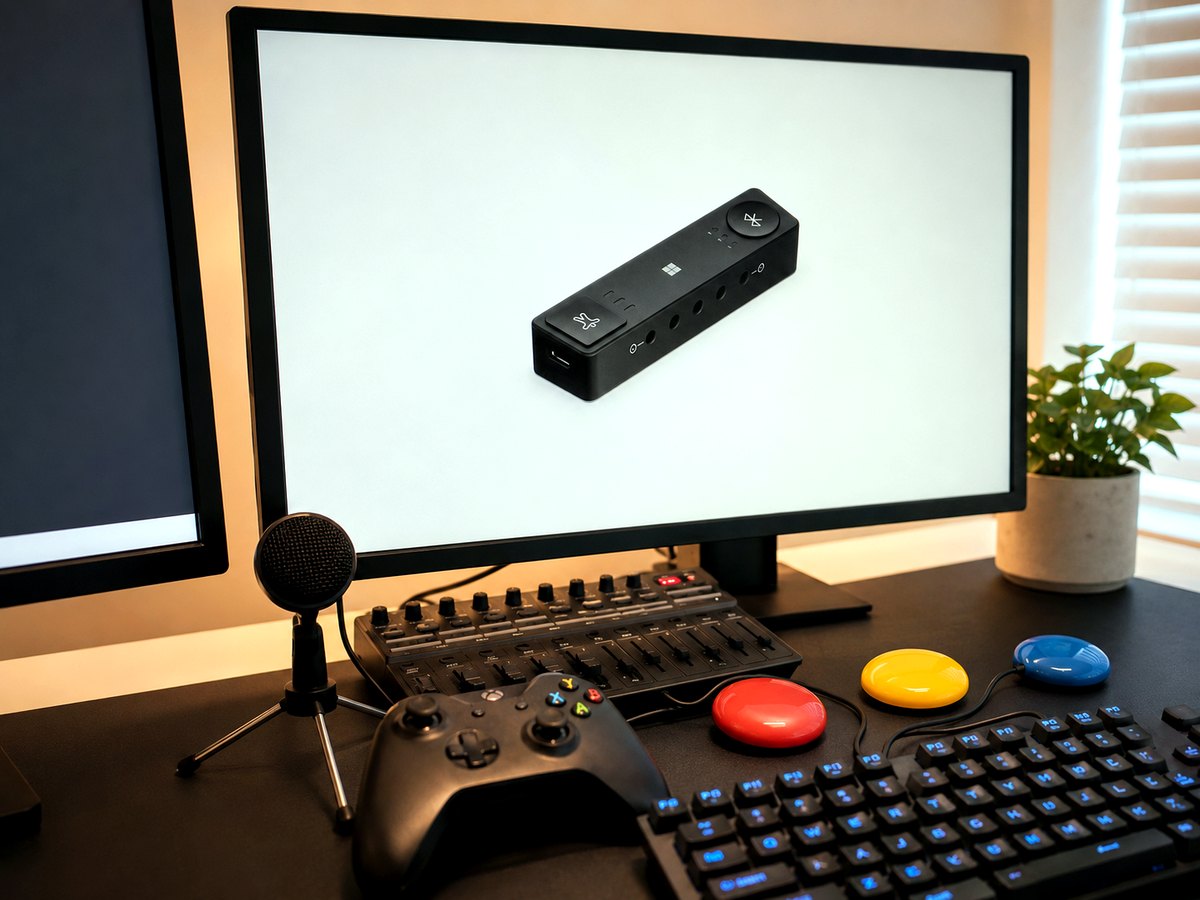
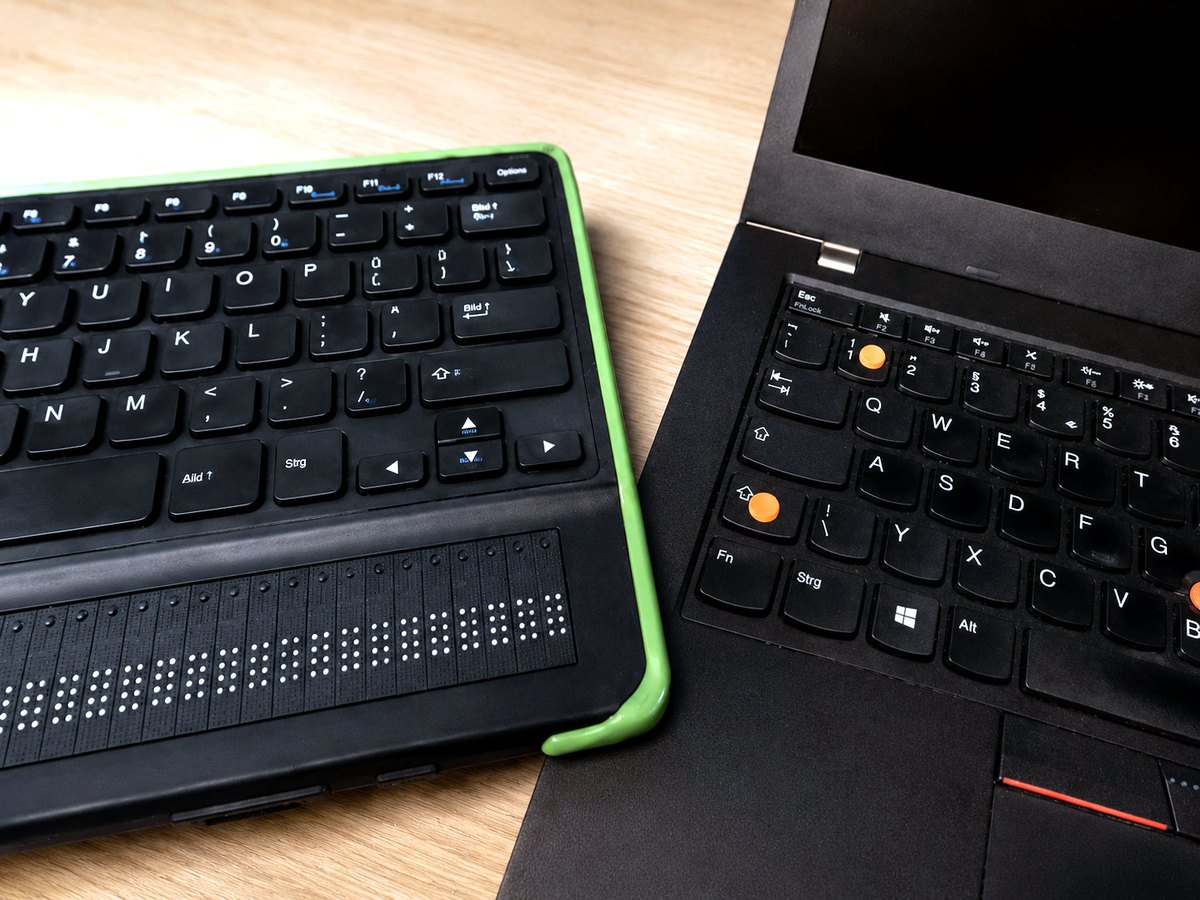
Screen readers, keyboard access, magnification, voice access and clear task routines for people who need a reliable way to use computers without relying on sight.
Support where standard mouse, keyboard or touchscreen use is difficult, including switch access, adapted hardware, voice control and simplified workflows.
Practical notes, training and setup guidance so family members, care staff, employers or IT teams can help keep the access route working.
Support shaped around the barrier
Some people need one focused session. Others need assessment, setup, training, reporting and follow-up. The route is built around what will make the difference in real life.
Explore every service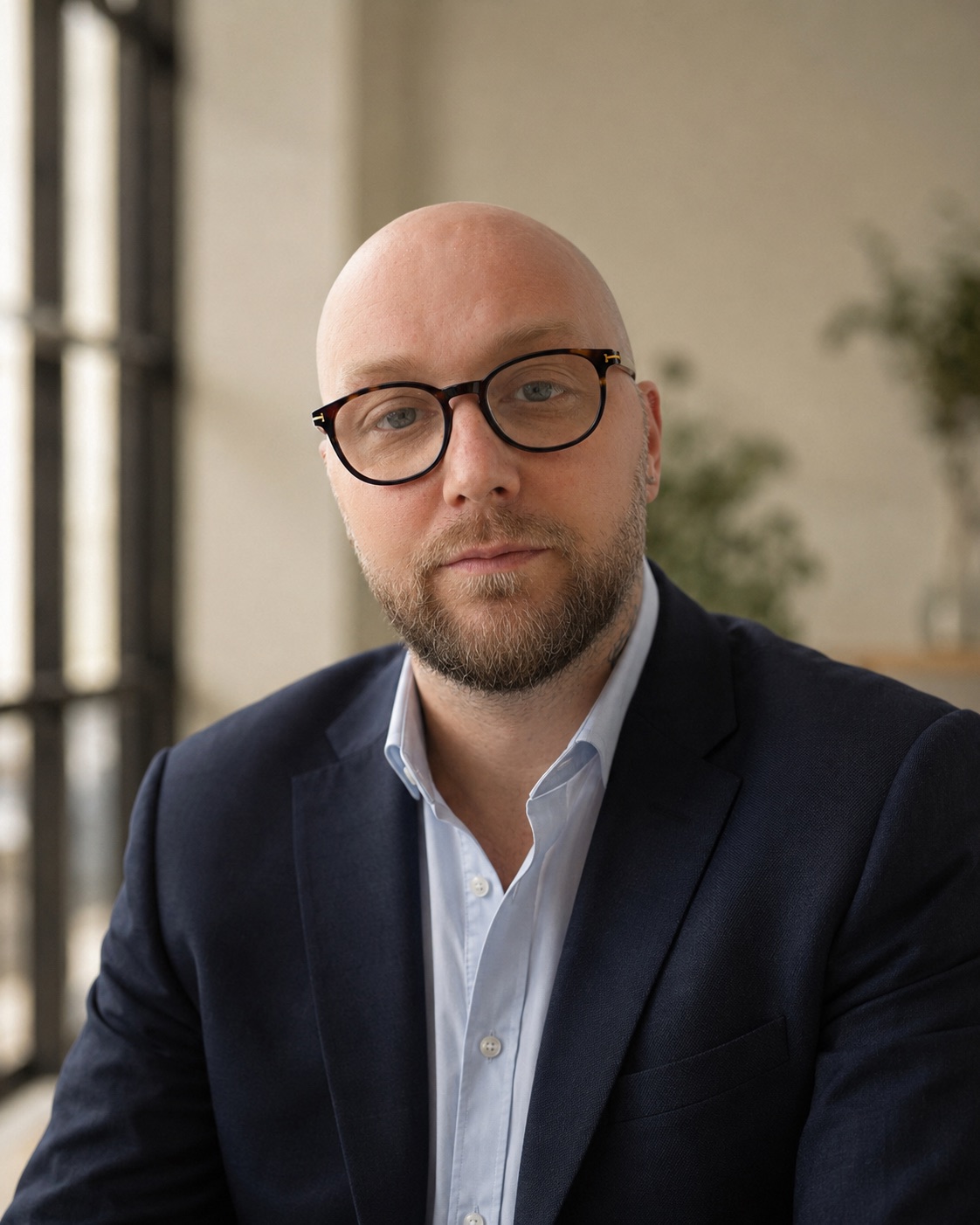
You work directly with me
For more than 10 years, I have supported children, young people and adults with visual impairment, assistive technology and complex digital access needs.
I work at the point where people, technology and everyday life meet. That means listening carefully, testing properly and explaining the next step in language everyone can use.
My work often involves visual impairment, but it can also include voice control, switch access, adaptive input, accessible documents, workplace systems, education settings, Microsoft 365 tools and support-team handover.
Frequently asked questions
No. It is often better to start with the task that is difficult. I can help identify whether the answer is software, device setup, training, document changes, a different input method or a clearer routine.
Visual impairment is a major part of my work, but not the only part. I also support wider access needs where technology, documents, physical input, voice control, switch access, work systems or support routines affect independence.
Yes. A lot of access problems happen after equipment has been recommended. I can help set up, configure, train, troubleshoot and hand over technology so it becomes usable in real life.
Yes. I can provide practical assessments, implementation support and clear written recommendations for case managers, solicitors, employers, education teams and other professionals.
What happens next
Send a short message about what is difficult. I will reply with a sensible next step, usually within two working days.
One sentence is enough. You do not need a diagnosis, product name or finished brief.
That might be a focused call, an assessment, practical setup or a wider package of support.
Support uses the person's own technology, documents, systems and everyday routines.
Recommendations, setup notes and follow-up are shaped so the route can keep working.
Start wherever you are
Usually replies within two working days.